The Analog Fidget Switch: Stopping the Doomscroll with Tactile Feedback
A small analog object can help some people Stop doomscrolling by adding a physical pause before the next swipe. Put a worry stone, smooth pocket stone, coin, bead, folded cloth, or quiet fidget object where your hand usually reaches for the phone. When the loop starts, touch the object first, take one breath, and decide whether you still want the feed.
That is the whole claim. This is not a guaranteed fix, an ADHD tool, or proof that fidgeting changes phone habits on its own. It is a low-stakes phone habit experiment: a tactile cue that creates a small moment of friction outside the screen.
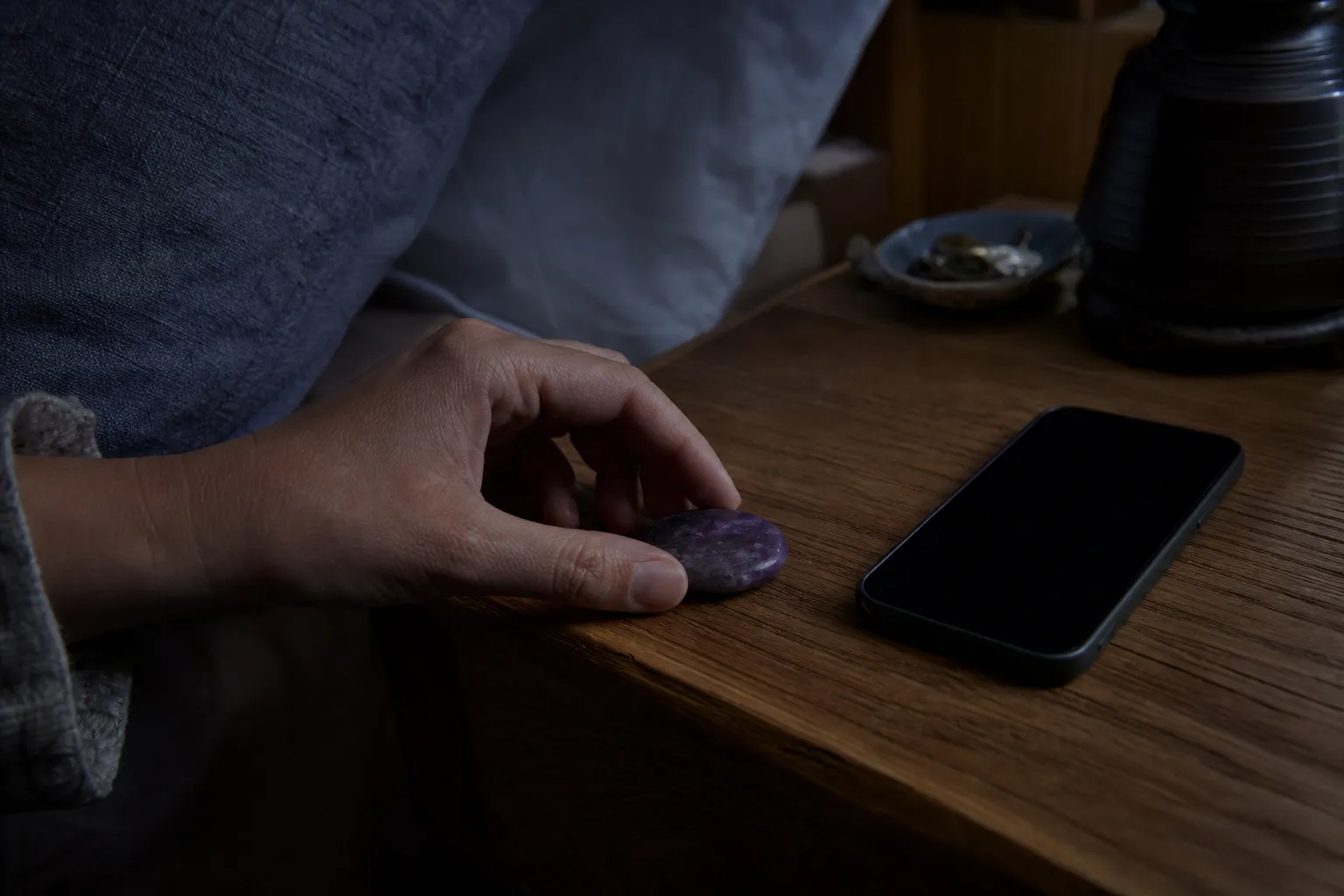
What an analog fidget switch actually does
An analog fidget switch is not a gadget. It is a small physical object used as a behavioral “switch”: before you open the app, refresh the feed, or keep scrolling, your hand meets something that is not the phone.
Good options are ordinary and easy to hold:
- a worry stone or thumb stone
- a smooth piece of amethyst or another pocket stone
- a wooden bead, ring, or worry coin
- a soft fidget object
- a folded cloth, textured keychain, or quiet tactile item
The object does not block the app. It does not count minutes. It does not scold you with a pop-up. Its job is narrower: to interrupt the automatic hand movement that turns “I’ll check for a second” into “I’ve been here for twenty minutes.”
Research on smartphone overuse and social media design often points to a few useful ideas: feeds can lack natural stopping points, notifications can prompt return visits, and low-effort gestures make continued use easy. Studies on digital nudges and design friction suggest that adding a small interruption can make use more noticeable in some settings.
That supports the general logic of pause points. It does not directly show that a worry stone or fidget object stops doomscrolling. The honest version is: a tactile object may help if your issue is an automatic loop and you are willing to use the object as a pause cue.
How to try the tactile pause
Keep it simple. If the method becomes elaborate, it turns into another self-management system. The point is one small physical interruption.
Try this for a few days:
-
Choose one object that feels easy to hold.
It should be quiet, comfortable, and not too interesting. A worry stone works well because it has a clear thumb surface, but the exact object matters less than the role it plays.
-
Put it where the phone habit begins.
If you scroll in bed, place it on the nightstand. If you open social media at your desk, keep it beside the keyboard. If the loop starts on the sofa, put it where your hand naturally rests.
-
Use one rule: touch this first.
Before opening the app, refreshing the feed, or unlocking the phone “just to check,” hold the object for one breath. You are not banning the phone. You are inserting a pause before opening it.
-
Ask one small question.
“Am I choosing this, or did my hand just arrive here?”
If you still want to scroll, you can. If the urge has loosened, put the phone down or move it slightly farther away.
-
Return the object to the same place.
Repetition is what makes it recognizable as a cue.
Five seconds is enough for the experiment. The goal is not a dramatic ritual. It is to make the scrolling loop visible at the moment when it usually stays invisible.
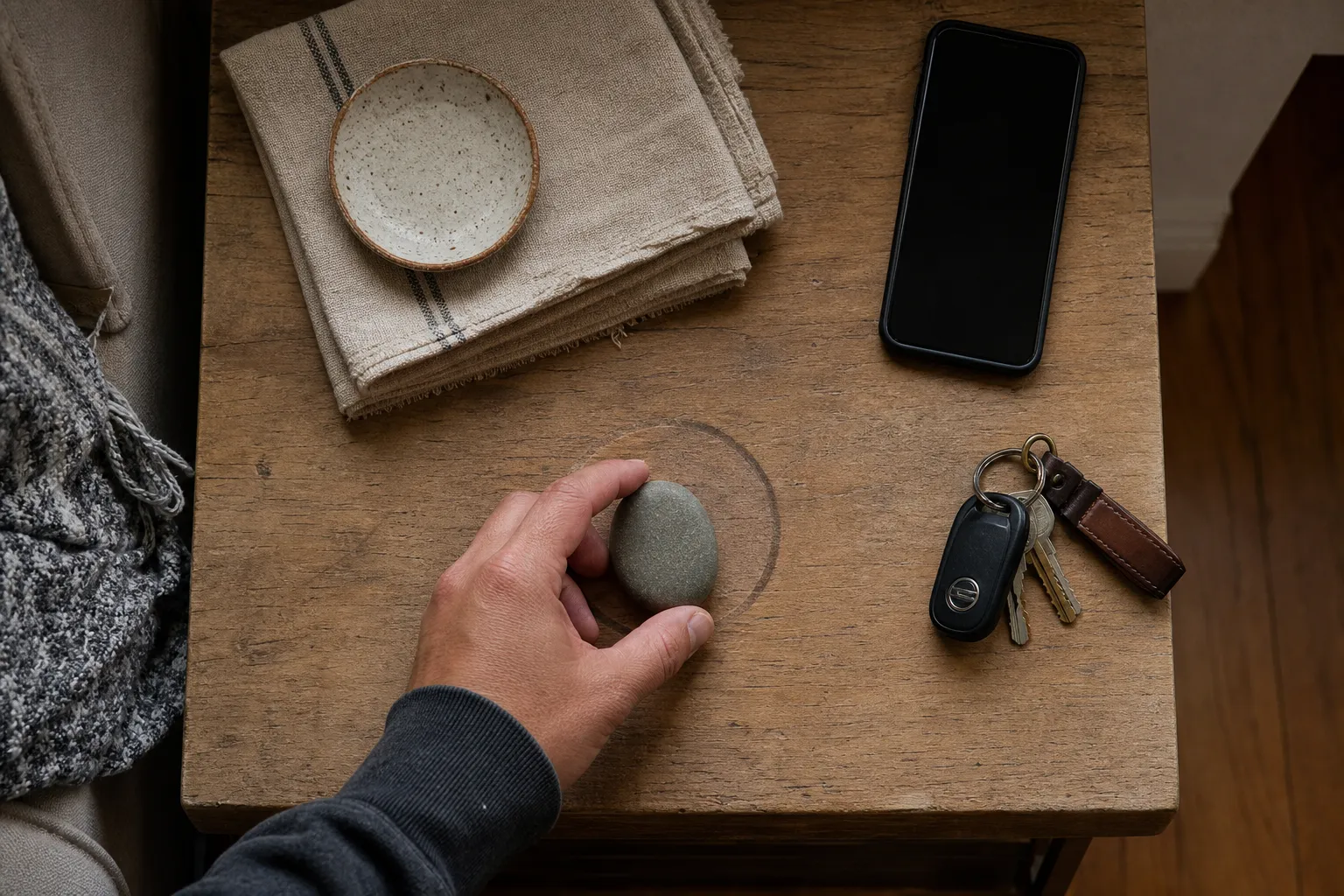
Why touch can work as a pause cue
A phone habit is partly visual, partly mental, and partly physical. The thumb knows the gesture. The hand knows the weight of the phone. Sometimes the body reaches before there is a clear decision.
A tactile object changes the texture of that moment. Instead of glass, glow, and endless content, the hand meets stone, wood, fabric, metal, or soft material. That difference can mark a boundary.
The available research does not support broad claims about “fidgeting benefits” for doomscrolling. The better-supported idea is simpler: behavior can be shaped by prompts, ease, friction, and stopping points. Infinite feeds reduce natural endings. Some studied interventions add pauses, extra actions, or reminders so a person has a better chance to notice what they are doing.
The analog fidget switch borrows that logic, but moves it outside the phone.
Instead of an app blocker, it uses placement.
Instead of a notification, it uses touch.
Instead of a lockout, it uses a decision point.
That distinction matters. Many tools that help people stop doomscrolling still live inside the same device that hosts the feed. A tactile alternative to the phone is more primitive and less forceful. It does not prevent anything. It asks you to notice.
That gentleness is both its strength and its weakness.
When this small object is most likely to help
An analog fidget switch is most useful when the scrolling problem is light to moderate, situational, and tied to repeated cues.
It may be worth trying if:
- you often open the same app without meaning to
- your hand reaches for the phone during boredom, waiting, or transition moments
- you keep scrolling because there is no obvious stopping point
- you dislike harsh lockouts but want a little friction
- you want a private cue that does not announce the habit to anyone else
- you already like tactile objects and find them easy to keep nearby
Hand occupancy can help in a modest way. If your hand is holding a worry stone, rolling a bead, or tracing the edge of a small object, the phone is slightly less immediate during the first wave of the urge.
But hand occupancy is not the same as behavior change. If you hold the object in one hand and scroll with the other, the cue has failed its purpose. The object only helps if it becomes a reminder to pause before the feed continues.
A realistic win is not “I never scroll anymore.” A better sign is: “I noticed the moment earlier.”
When it probably will not be enough
This method is not strong enough for every kind of phone use.
It may not help much if:
- you ignore the object after the first day
- the phone is already in your hand for work, navigation, messages, or family logistics
- you are scrolling to avoid something difficult and need broader support
- the app is essential and the feed is mixed with necessary tasks
- you need firm limits, scheduled downtime, or environmental changes
- you are looking for ADHD-specific guidance rather than a general phone-habit cue
Searches like “stop doomscrolling ADHD” often mix practical habit advice with clinical questions. This page should not blur that line. A fidget object may be part of someone’s everyday routine, but this article treats it only as a non-clinical pause cue for phone use. If phone use is tied to significant distress, sleep disruption, ADHD-related impairment, anxiety, or a feeling that you cannot control the behavior, qualified support may be more appropriate than a small habit cue.
The same caution applies to crystal language. A smooth amethyst stone can be meaningful, beautiful, or personally symbolic. It can also be practical because it is pleasant to hold. For this specific phone habit question, the grounded claim is tactile and behavioral: the stone gives the hand something else to meet before the screen.
Common confusion: fidget object, app blocker, or willpower?
The analog fidget switch sits between two familiar approaches.
On one side is pure willpower: “I should just stop.” That often fails because the feed is designed to be easy to continue, and the habit may start before a clear decision appears.
On the other side are stricter digital tools: app blockers, screen-time limits, browser extensions, lockouts, grayscale settings, and notification changes. These can add stronger barriers. Some research on smartphone-use nudges and design friction supports the idea that reducing prompts or adding interaction cost can affect use in studied settings. But stricter tools can also feel annoying, easy to bypass, or too heavy for a minor habit loop.
A tactile cue is softer than a blocker. It does not decide for you. It helps you create a small “before” moment.
If you need a hard boundary, use a hard boundary. If you need a quiet pause before opening Instagram, YouTube, a news feed, or another endless-scroll app, a physical object may be enough to test.
A simple version for tonight
If you want to try this without buying anything, choose an object you already own. Put it on top of your phone for the evening. When you reach for the phone, your hand has to move the object first.
Hold it for one breath.
Then choose one of three options:
- open the phone intentionally
- move the phone farther away
- do one small non-phone action, such as standing up, drinking water, or turning off the light
Do not measure success by perfection. Measure it by whether the object created a visible pause. If it did, the experiment is working at the level it can reasonably claim. If it did not, you may need a stronger interruption: fewer notifications, more distance from the phone, a screen-time setting, or a clearer rule for the app that tends to pull you in.
The point is not to become a person who never scrolls. The point is to make the next scroll less automatic.
FAQ
Can a worry stone stop doomscrolling?
A worry stone can be used as a tactile pause cue, but there is no strong evidence that worry stones themselves stop doomscrolling. The useful part is the behavior: touching the object before opening or continuing the feed.
Is this the same as an ADHD fidget tool?
Not exactly. Some people use fidget objects in daily life, and ADHD tools are a separate topic. Here, the object is only a non-clinical phone-habit cue.
What if I keep scrolling anyway?
Then the cue may be too weak for that situation. Try moving the phone farther away, reducing notifications, setting a clearer app boundary, or using a stronger digital limit. The analog object is a low-stakes experiment, not a guaranteed solution.